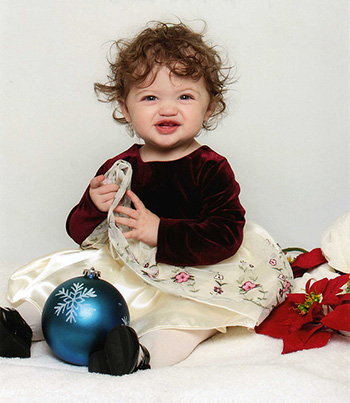
Week 1 Lesson contains:
•Resampling Images
•Gif Format
•Using the Alpha Channel
•Two Images using Type Experiments
Resampling Images
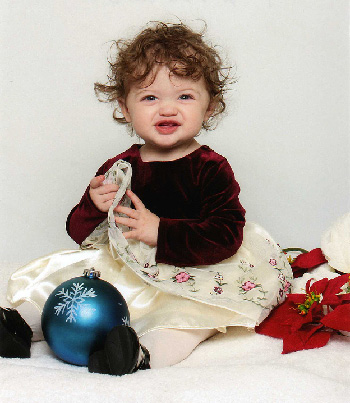
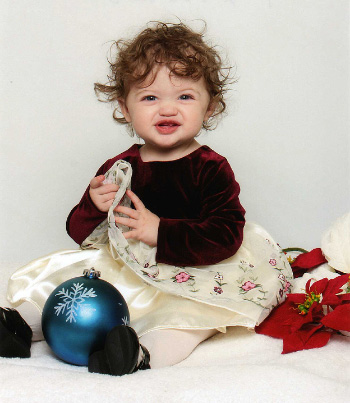
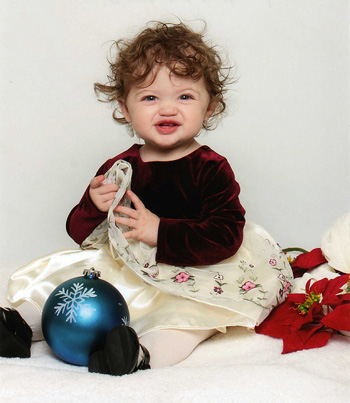
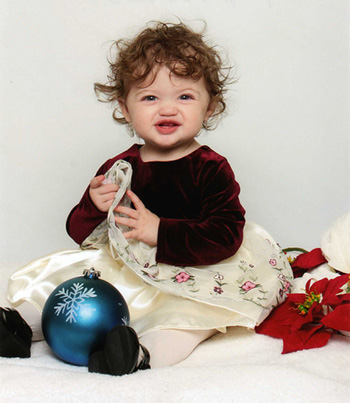
If you look at the above images I have resized them in different
formats...by looking at the images you can see that there is a
difference of clarity. If you place your mouse over these images
you will see the different format names I used to save them as.
As you see in the first two images the clarity is not so good but
looking at the last three images they look very similar but look
real close the last (5th) image has the best clarity as this
resampling reduction named is Bicupic Sharper for Reduction
and that's exactly what it did.
GIF Format
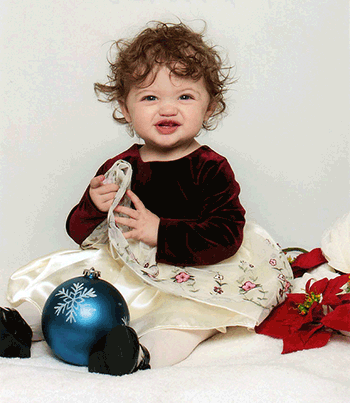
WOW! Look at this photo the clarity or shall I say colors has been
taken away and the reason is that GIF only allows 256 colors
to be used where as a JPG can be any amount of colors
as long as you're careful with the amount of compression you use
when saving your image.
Alpha Channel
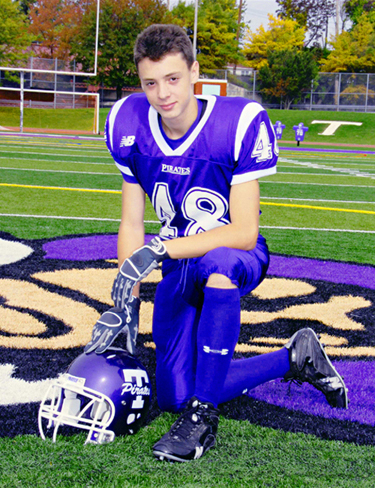
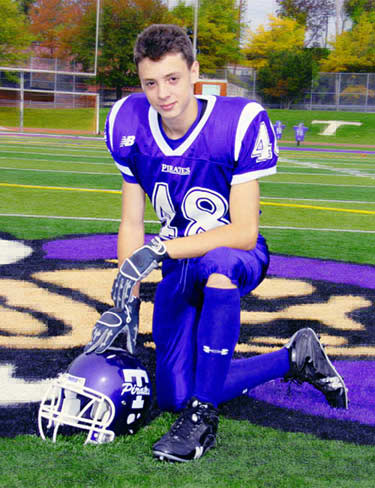
Besides using the Save As for Web when saving an image
another way to compress the image more (making the file size smaller)
is to use the Alpha Channel and by doing this you are using the
lasso tool and focusing on the area that you want to have the
best clarity and the rest will have less clarity besides
the file size when saving being smaller.
However I find I do not lik this unless I want to purposely have the
background or the area that I don't want to be fuzzed out like you
see in the right image background.
Type
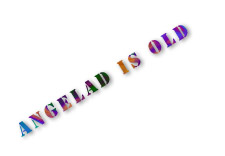
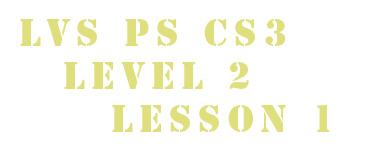

Is just what it means type that can be done in all sorts of ways and
above is a few examples of the Types I did. Place your mouse
over each image and you will see what style was used for each Type.

I hope you enjoyed Lesson 1. Please feel free to contact me.
Web Layout Designed by ©AngelAD